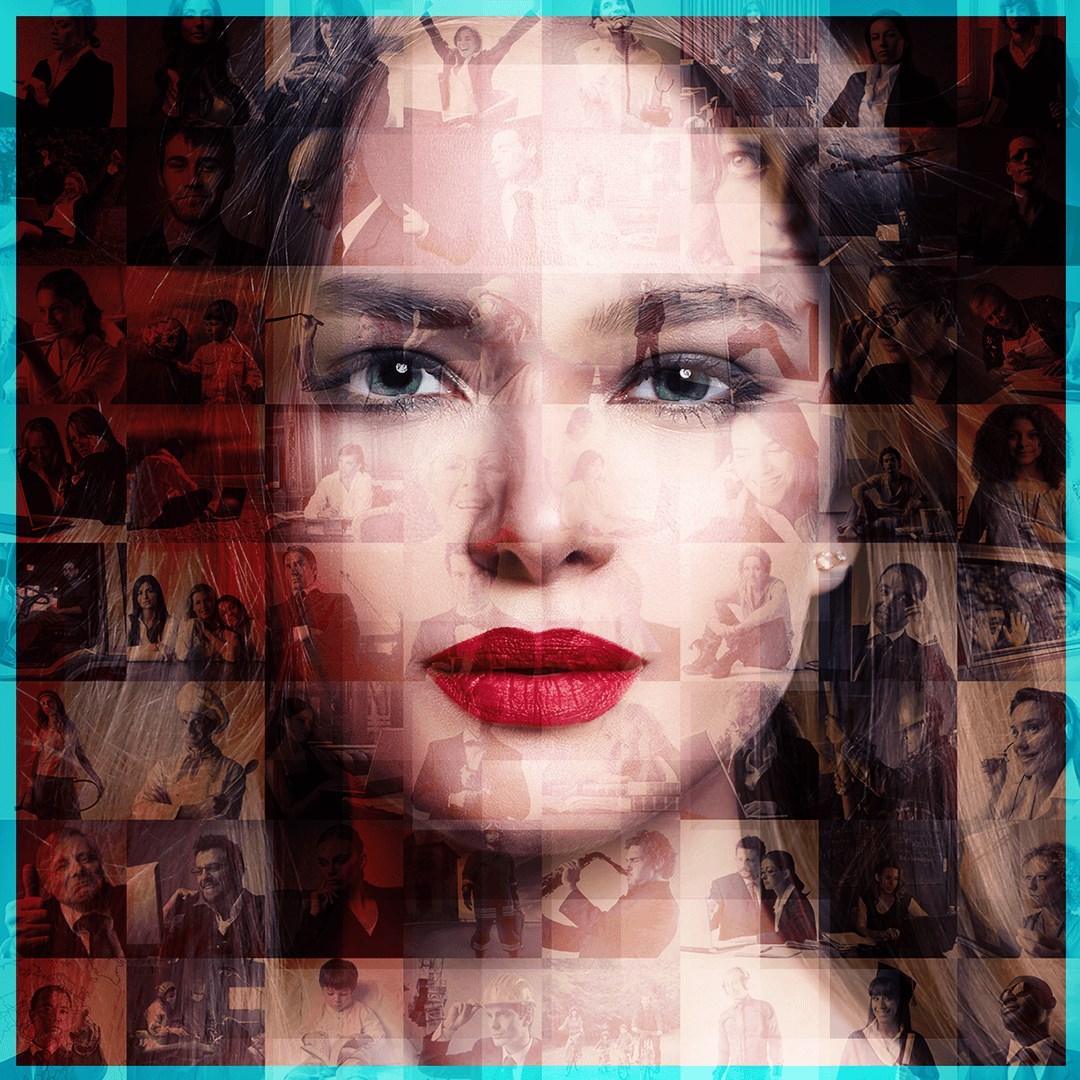
Mosaic Photo Creator
Transform ordinary photos into stunning works of art with Mosaic Photo Creator. Whether you want to design a creative collage or an artistic mosaic, this app helps you express your imagination effortlessly. With a wide range of filters, frames, stickers, and editing tools, you can create unique designs that capture your favorite memories beautifully. The app’s intuitive interface makes it easy for anyone to use—simply select an image, apply filters, adjust brightness or contrast, and enhance your picture with artistic effects. Add doodles, stylish text, or stickers to personalize your photo even more. Once done, save your creation in JPG or PNG format and share it instantly with friends and family. Whether you're crafting a gift, a memory, or just experimenting with art, Mosaic Photo Creator gives you the tools to design like a pro. Tutorial Link : https://queenloftapps.com/mosaic-photo-creator-tutorial/ Key Features • Professionally design mosaic-style images with ease • Choose photos directly from camera or gallery • Crop, rotate, flip, and resize images before editing • Apply mosaic and blur effects with adjustable brush and intensity • Wide selection of filters, frames, and stickers • Add text with customizable font, color, background, opacity, and shadow • Draw doodles using the Brush tool • Adjust brightness, contrast, saturation, tint, vibrance, and vignette • Add multiple images in a single creation • Save your artwork in JPG or PNG format • Lightweight, responsive, and compatible with all Windows devices Guide to Use 1. Launch the app and select Gallery or Camera Shoot to start. 2. Choose or capture your photo, then crop, flip, or rotate it as needed. 3. Apply your preferred filter effects and mosaic styles. 4. Fine-tune adjustments like brightness, contrast, and temperature. 5. Use the Brush tool to draw freely or apply blur and color mosaics. 6. Add creative touches with frames, stickers, and text. 7. Include additional images or status stickers to enhance your design. 8. Save your creation in your chosen image format and share it with loved ones. Find us: Web: https://queenloftapps.com Facebook: https://www.facebook.com/queenloftapps Instagram: https://www.instagram.com/queenloft/ Twitter: @queenloftapps Email: [email protected] How to use: https://queenloftapps.com/mosaic-photo-creator-tutorial/